
Practical guide
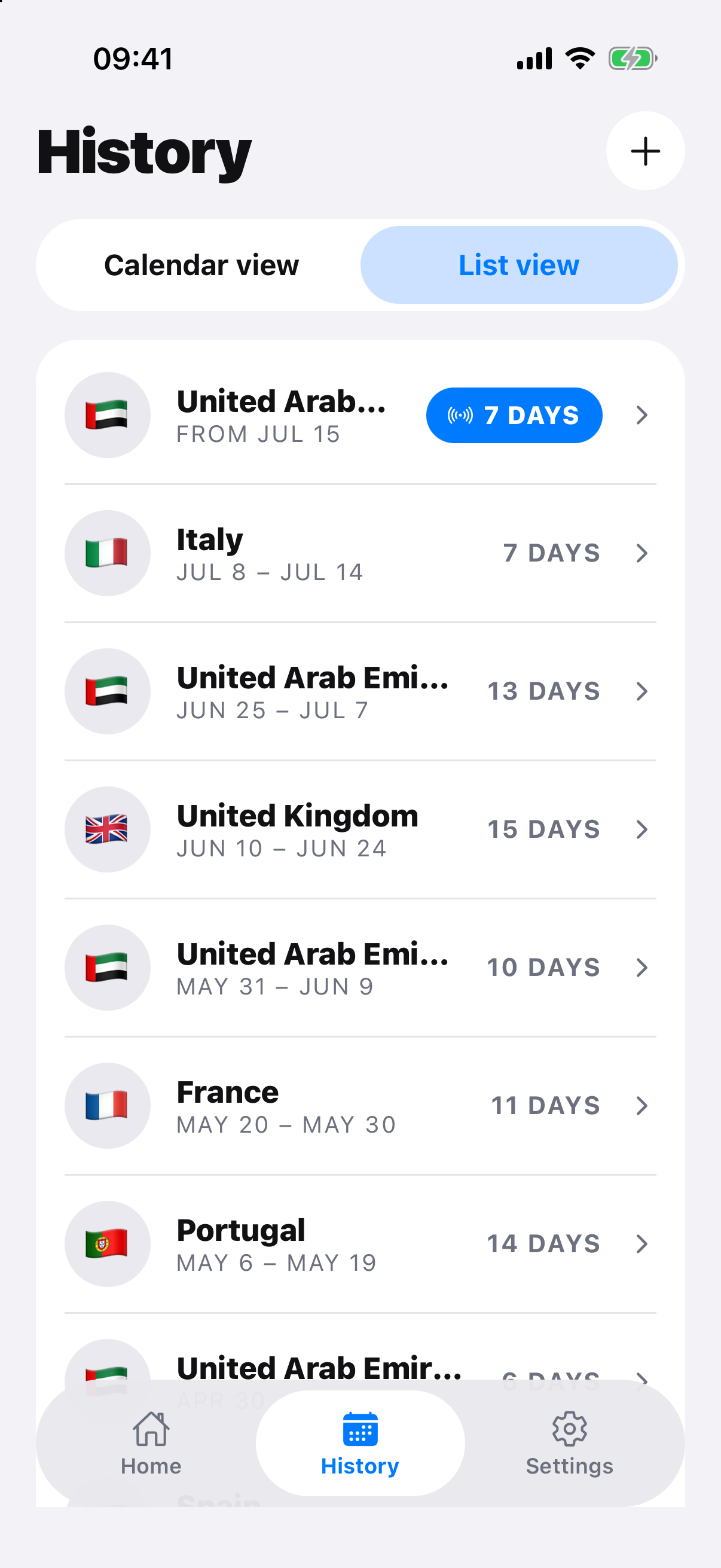
Export a travel history you can review and correct
A travel-history export can make dates easier to review with an adviser or against an authority form. CSV supports analysis, PDF is convenient to read, and backup preserves app data. None is official border evidence or a legal determination by itself.
Workflow
Work through the record.
- Review the timeline for missing and overlapping stays.
- Choose CSV for analysis, PDF for a readable snapshot or backup for restoration.
- Export only the countries and dates needed for the task.
- Store and share the file according to its sensitivity.
- Compare the export with the authority’s required evidence and form.
Choose the format for the job
CSV is useful for sorting and independent calculations. PDF preserves a readable layout. A backup is intended to restore data rather than present it to an authority.
Handle the file carefully
Travel records are sensitive. Check the recipient, remove unrelated history where possible and delete temporary copies from shared devices. An adviser may ask for primary records in addition to the export.
Official record and rule sources
Check the authority.
RoamCount for iPhone
Keep the dates behind the count.
Open RoamCount without putting countries, dates or personal travel details in the link.
Open export options