
Practical guide
Check your travel history before tax season
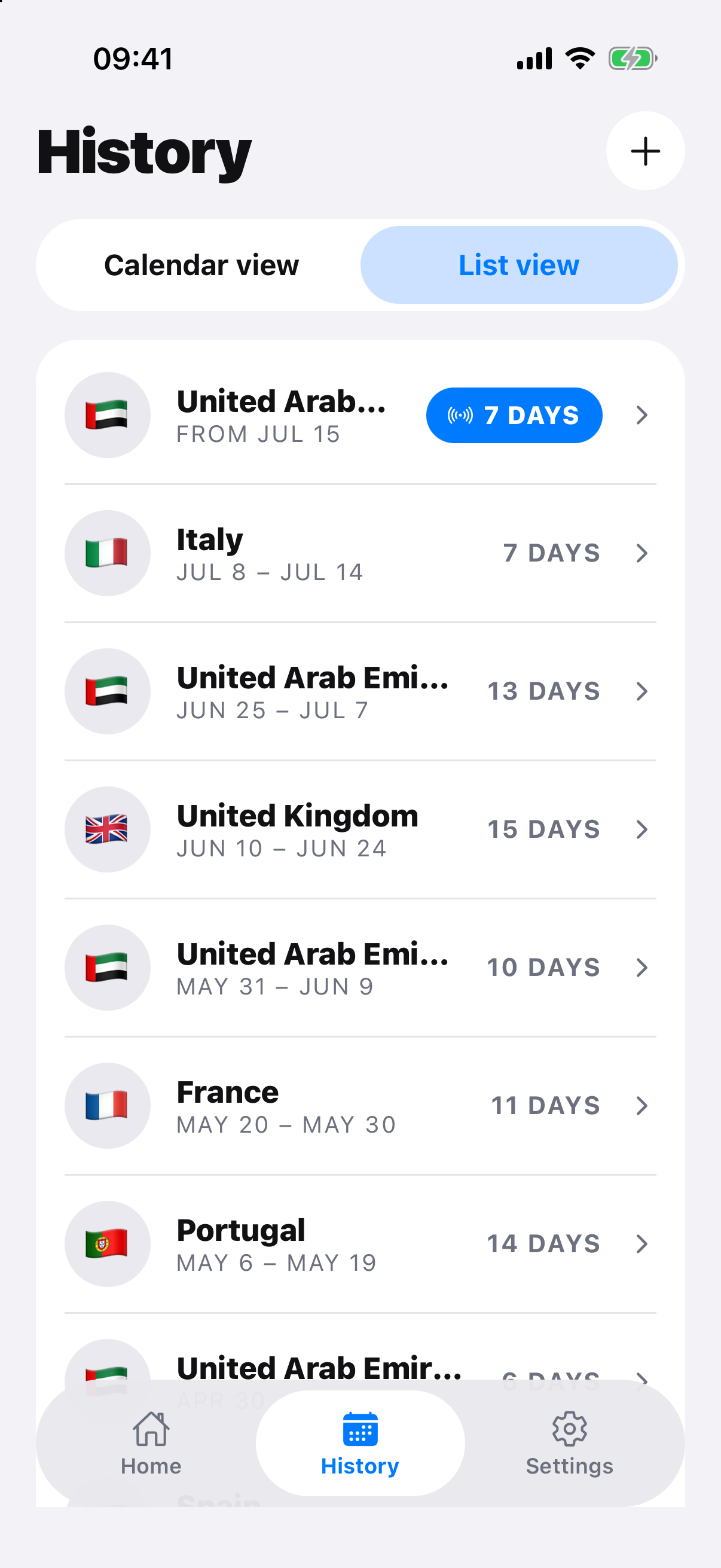
Before tax season, reconcile your editable travel timeline with passports, tickets and available government movement records. Then group the dates using each jurisdiction’s actual tax period and residence rules. A border-history report or app export is evidence to review, not a tax-residence determination.
Workflow
Work through the record.
- Export or review the complete travel timeline.
- Compare entries and exits with passports, tickets and available authority records.
- Resolve gaps, overlaps, timezone changes and status changes.
- Group presence by each jurisdiction’s correct tax period and method.
- Give the record and unresolved questions to the relevant authority or qualified adviser.
Reconcile before calculating
Bookings show plans rather than completed travel, and government movement records can still require interpretation. Investigate mismatches instead of silently choosing one date, and retain the source used for each correction.
A day total is one input
Tax residence can depend on homes, ties, domicile, work, exceptions, treaty rules and other facts. A clean timeline supports the review but does not establish residence, non-residence, a filing obligation or treaty entitlement.
Official record and rule sources
Check the authority.
RoamCount for iPhone
Keep the dates behind the count.
Open RoamCount without putting countries, dates or personal travel details in the link.
Export your travel history