
Practical guide
How travel days are counted across different rules
Travel-day rules do not share one calendar. Some count calendar or tax years, some look back through a rolling window, and some weight earlier years. Arrival, departure, midnight presence, status and exceptions can also differ. Start with the authority’s period and counting unit.
Workflow
Work through the record.
- Name the exact legal or planning rule you are checking.
- Write down its period, anchor date and treatment of arrival and departure.
- Record every border movement with the local date and supporting evidence.
- Apply exclusions or special status only after checking the official source.
- Recalculate when the window moves or your planned dates change.
Common counting models
A calendar-year counter resets on 1 January. A tax-year counter follows the authority’s fiscal period. A rolling window changes every day. A weighted test gives days from different years different values. A presence goal accumulates qualifying time toward a target.
Where mistakes happen
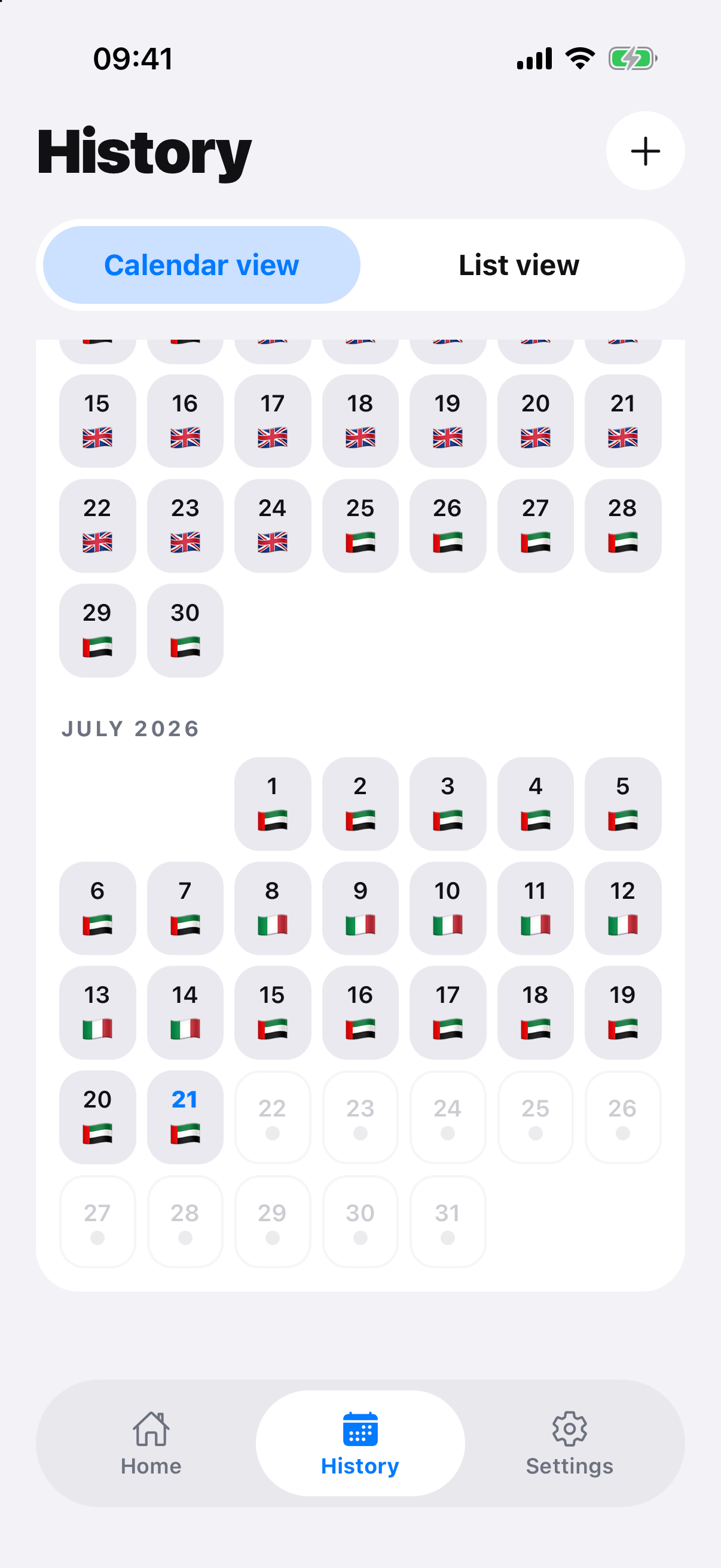
Timezone changes, overnight travel, same-day border movements and differing arrival/departure rules can shift a total. Preserve the underlying itinerary so a reviewer can correct the method without rebuilding the history.
Official record and rule sources
Check the authority.
RoamCount for iPhone
Keep the dates behind the count.
Open RoamCount without putting countries, dates or personal travel details in the link.
Review your travel calendar